Product · August 31, 2026 · 10 min read
What the Ring Around a Profile Picture Means on Whistlr: Your Guide to Halo
Seeing a glowing ring around a profile picture on Whistlr? That's Halo. What each color means, where it appears, and how to turn it off or limit who sees it.
If you've noticed a soft, glowing ring around a profile picture on Whistlr, that's Halo. It appears around someone's avatar when something is happening with them right now: they're live, they've hit a Gems or creator milestone, they've just confirmed a relationship, or they're active in a Circuit you share. It never sends a notification and never asks you to do anything. You can scroll past it or tap through to see what's going on. This guide explains what each Halo state means, where you'll see it, how to control it, and why we built it the way we did.
We shipped Halo quietly a few weeks ago with little more than a line in the release notes. No launch event, no campaign. Since then it has spread the way small features rarely do: people noticed a friend's ring, asked what it meant, and started watching for their own. If you're one of the many people who've asked, this is the full answer.
What does the ring around a profile picture mean on Whistlr?
Halo is a thin, glowing ring that wraps around a person's avatar wherever that avatar shows up in the app. Most of the time, most avatars don't have one. A plain avatar is still a plain avatar. The ring only appears when there's something worth knowing about that person in the moment.
It's deliberately restrained. Halo isn't a harsh border or a flashing outline. It's a soft, low-opacity glow that pulses slowly enough to read as calm. It doesn't carry a number, doesn't blink for attention and never requires a response. Different states use different colors, textures and rhythms, so with a little familiarity you can tell what's going on with someone from across your feed without reading a word.
What do the different Halo colors and states mean?
There are five Halo states today. We kept the set small so anyone can learn to read it at a glance. A ring that could mean a dozen unrelated things would stop feeling ambient and start feeling like a puzzle.
| Halo state | What it looks like | What it means | How long it lasts |
|---|---|---|---|
| Live Pulse | Brighter ring with a faster pulse | The person is streaming live right now | While they're live |
| Gems Glow | Warm golden shimmer that fades in and out slowly | They've just hit a WTC Gems moment or a meaningful creator milestone | A celebratory window, then it fades |
| Relationship Glow | Soft, dual-tone ring, the gentlest state | They've just confirmed or updated a Relationship Status milestone | Briefly |
| Circuit Active Ring | Steady, low-key ring with little pulse | They're actively present in a Circuit or SubCircuit you're both in | While they're active there |
| Milestone Ring | Brief, brighter flare | A bigger platform milestone, like an account anniversary or a follower threshold | A short window, then it settles back to nothing |
Why Live Pulse is the most energetic
A live stream is time-sensitive in a way nothing else on a profile is. If you notice it an hour late, you've missed it. So Live Pulse is brighter and quicker than the other states, signaling urgency without ever becoming a hard interruption.
Why Relationship Glow is the quietest
A relationship milestone is personal. We wanted its Halo to feel like a knowing smile rather than an announcement: warm, understated and gone after a short while.
What happens when more than one Halo state is true?
Halo shows one state at a time. If several things are true at once, say someone is live and also just crossed a milestone, the ring shows whichever is most time-sensitive. In that example, Live Pulse wins, because the stream is the thing you could miss.
We made that choice early and we've held to it. The point of Halo was never to turn an avatar into a dashboard. One glance should carry a little more meaning than before, not a stack of signals you have to decode.
Where will you see Halo on Whistlr?
Anywhere an avatar already appears, which is almost everywhere. That's a big part of why it caught on so quickly.
In your feed
Halo appears on the small avatar next to posts, Minis and Thoughts from anyone with an active state. You don't need to open anything. It's just part of the texture of scrolling. Several people have told us the feed feels more alive since Halo shipped, even though none of the content changed. The people behind it simply carry a bit more context now.
On profiles
On someone's profile, Halo wraps around the large avatar at the top without covering any of the image. This is where it connects most closely to the profile redesign, which we'll come back to below.
In chats and group chats
The small avatar at the top of a DM or group chat shows Halo too. It's a quiet detail with real usefulness: you might be mid-conversation with a friend and notice they've just gone live, without them stopping to tell you.
Inside Circuits
Circuits and SubCircuits are probably where Halo gets the most daily use. Member lists, comment threads and the avatar stack at the top of an active Circuit all show it. In a busy community, it's an easy way to sense who's around right now without anyone announcing it.
Why we built Halo instead of sending more notifications
Every growing social app hits the same tension. The more meaningful things happen, the more there is to tell people, and the more you tell them, the more worn out they get by being told. We watched it happen on Whistlr. Circuits got busier. Waves picked up more collaborative playlists. Minis came more often from people users cared about. Relationship Status crossed a 10,000-user milestone. All good signs, and all potential reasons for a phone to buzz.
We decided not to keep answering that with more alerts. We wanted to need fewer of them.
Notification fatigue isn't really about volume. It's about friction. Every notification forces a small decision: open it, dismiss it, or ignore it and feel faintly guilty. Multiply that by every friend who goes live and every creator who hits a milestone and the phone never stops asking. Halo takes the opposite posture. It doesn't ask. It's simply there, quietly accurate, whenever you happen to look.
The idea behind it: ambient presence
Internally we call this ambient presence, and the inspiration came from rooms more than software. You don't get a notification when a friend walks into a café. You just see them, and you know without effort that they're there. Halo is our attempt to give Whistlr a little of that: knowing something about the people you care about without anyone having to tell you.
We shipped Halo quietly on purpose. We wanted people to notice it on their own, the way you notice a friend's porch light is on before you knock. Watching it spread person to person has been one of the most satisfying rollouts we've had.
— The Whistlr product team
How Halo fits with Moods, Blips and Relationship Status
Halo didn't arrive on its own. It's the next layer on top of two things Whistlr was already building.
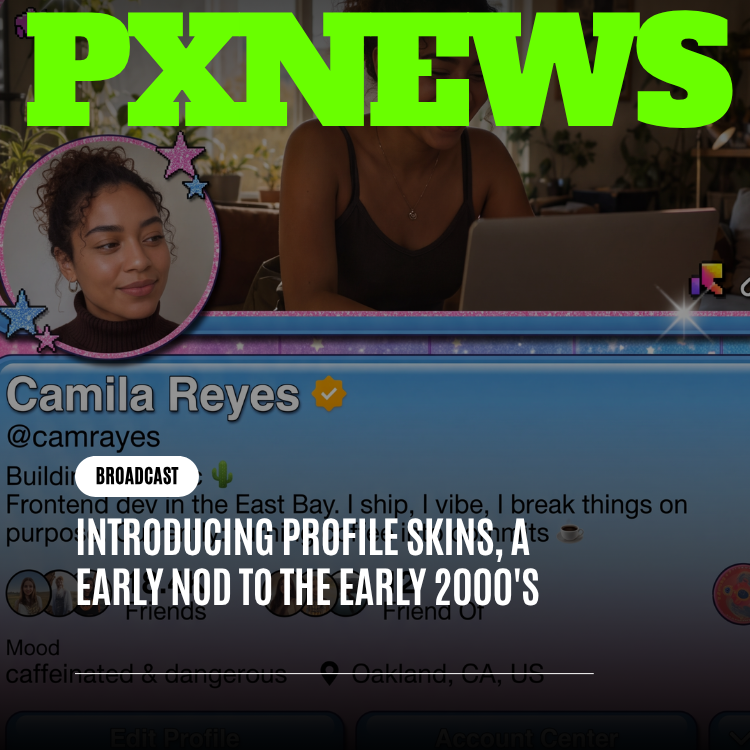
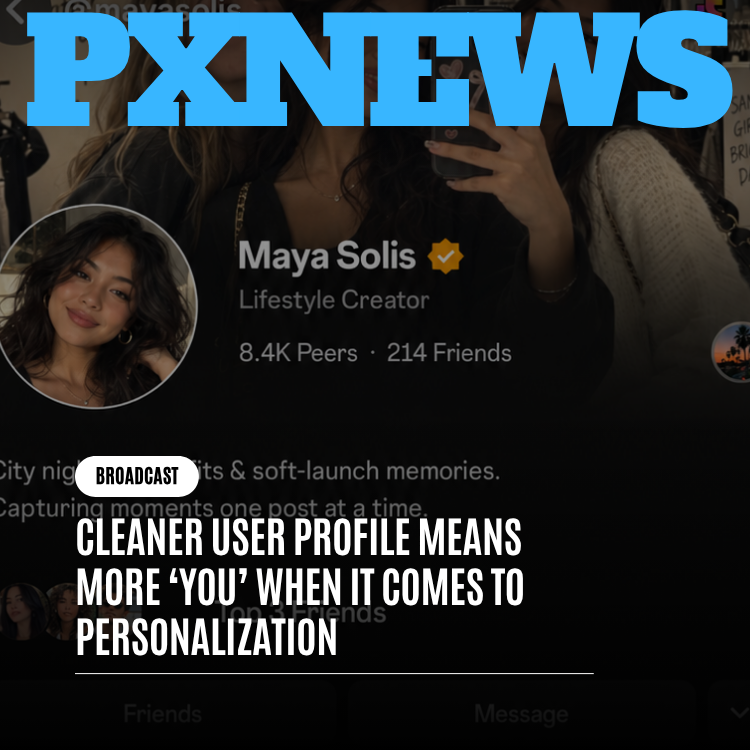
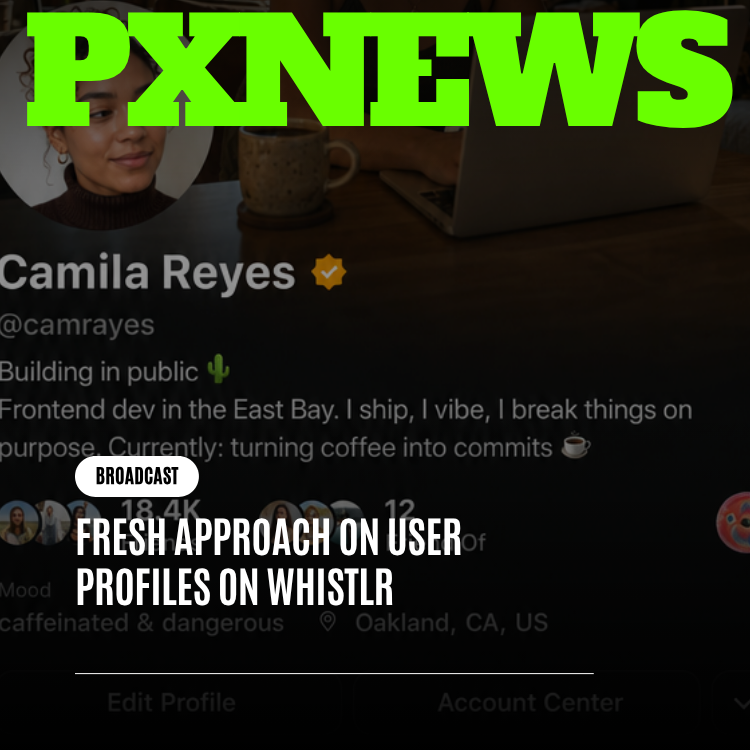
The profile redesign treats your profile as a living snapshot of who you are now, rather than a resume you set once and forget. Moods, Blips and video banners all answer the question "what's true about this person today?" Halo answers a closely related one: what's true about this person this minute? Moods and Blips change daily or weekly. Halo changes live. That makes it the faster-moving companion to a profile that already favored presence over permanence.
Relationship Status plugs in even more directly. When two people confirm a relationship milestone through the mutual, consent-first flow, a brief Relationship Glow appears around their avatars. Nobody has to make a separate post. Halo just acknowledges something they already chose to share, for a little while, and then lets it go.
How creators are using Live Pulse to get seen
We didn't design Halo as a growth tool for streamers, but creators found that use quickly. Live Pulse surfaces you in your followers' feeds, chats and Circuits the moment you go live, without you posting a separate "going live" announcement first. A few creators have told us they now go live more consistently because they know the ring will do that work.
It helps on the viewer side too. Plenty of people don't turn on notifications for most of the accounts they follow. With Live Pulse, they can glance at their feed and see who's live without anything buzzing at them.
- Stream at consistent times so your regulars learn to look for your ring.
- Stay active in your Circuits. Your avatar shows up in more places there, so your Live Pulse gets seen by people who already know you.
- Let the ring replace some of your pre-stream announcements, rather than posting "live now" everywhere.
- Remember Gems Glow and Milestone Ring will mark your big moments automatically, so you don't need to engineer a post for each one.
How to turn off Halo and control who sees it
Halo is optional. You can turn off individual Halo states, or all of them, from your profile settings at any time. If you'd prefer your avatar to look exactly as it always has, that's entirely your call, and switching Halo off doesn't change anything else about your profile or activity.
Visibility follows the same rules you've already set elsewhere. A Halo is only shown to the audience that could already see what triggered it. A Relationship Glow, for example, only appears to the audience you chose when confirming that Relationship Status update, whether that's your Circle, your Followers or Public. Halo never exposes anything more widely than you've already decided to share.
| If you want to... | Do this |
|---|---|
| Hide every Halo state | Turn off all Halo states in your profile settings |
| Keep Live Pulse but hide the rest | Turn off individual states and leave Live Pulse on |
| Limit who sees a Relationship Glow | Pick Circle, Followers or Public when you confirm the relationship |
| Stop seeing Halo notifications | Nothing to do: Halo never sends notifications |
What's next for Halo
We launched Halo with a small vocabulary on purpose so we could see how people actually read it before adding anything. Now that it's been out for a few weeks and the response has been this warm, we're looking carefully at whether a few more states could earn a place, and at a simple, private way for you to look back at moments that lit up your own profile without it becoming another feed to check.
Nothing there is locked in. Anything we add has to clear the rule that shaped Halo from the first sketch: it must make Whistlr feel calmer to use, not busier. If a new state can't meet that bar, it won't ship, however interesting it sounds on paper.
Most products answer "how do we keep people connected to more?" with more alerts. Halo is what it looks like to answer with less friction: it tells you something is happening, then gets out of your way.
— The ETAPX team
Frequently asked questions
What is the glowing ring around someone's profile picture on Whistlr?
It's Halo, a soft, slowly pulsing ring that appears around an avatar when something is happening with that person right now. It can mean they're live, they've hit a WTC Gems or creator milestone, they've just confirmed a Relationship Status, they're active in a Circuit you share, or they've reached a bigger platform milestone like an account anniversary.
What do the Halo colors mean on Whistlr?
There are five states. Live Pulse is a brighter, faster ring for streaming. Gems Glow is a warm golden shimmer for Gems moments and creator milestones. Relationship Glow is a soft dual-tone ring after a Relationship Status update. Circuit Active Ring is a steady ring for active Circuit presence. Milestone Ring is a brief flare for bigger platform milestones.
Can I turn off Halo on my Whistlr profile?
Yes. You can turn off individual Halo states or all of them from your profile settings whenever you like. Turning Halo off doesn't affect anything else about your profile or activity. Halo also follows your existing audience choices, so a ring only appears to people who could already see whatever triggered it.
Does Halo send notifications?
No, and that's the point. Halo was built to reduce notification fatigue rather than add to it. It only shows up visually, wherever an avatar already appears, such as your feed, profiles, chats and Circuits. You notice it when you happen to look instead of being interrupted, and you can scroll past it without missing anything you're required to act on.
Does Halo cost anything?
No. Halo is free for every Whistlr user, with no premium tier or paid upgrade for any of its states. It shipped as a standard part of the app in the same way Moods and Blips did, so everyone sees and can trigger the same five states, and everyone has the same settings to turn them off.