Guides · July 9, 2026 · 10 min read
New to Whistlr Shop? Here Is How Buying (and Selling, Live) Actually Works
A welcome guide to Whistlr Shop, from the Shop tab and creator storefronts to Live Shopping — buying products right inside a stream without pausing the video.
If your last experience with online shopping was searching a generic marketplace full of sellers you've never heard of, Whistlr Shop is going to feel different on purpose. It's not a separate storefront bolted onto the app — it's woven into the same feeds, profiles, and live streams you're already using to follow people you actually like. You're not buying from strangers ranked by an algorithm. You're buying from creators and storefronts you already follow, in the same place you're already spending time.
This guide covers the basics of Shop — where to find it, how it fits into your feed — and then goes deep on the feature that matters most if you're here for streaming specifically: Live Shopping, where products a creator is actively talking about show up right inside their broadcast.
The three ways Shop shows up around the app
Whistlr Shop isn't a single destination you have to remember to visit. It surfaces in three places, each suited to a different mood.
The Shop tab
There's a dedicated Shop tab in the main navigation for when you're in a browsing mood — looking for something specific, or just seeing what creators you follow are selling right now. Think of it as the front door: a general view across storefronts rather than any one creator's page.
A creator's own Shop section
Every creator storefront lives on their profile, in its own Shop section. If you already follow someone for their content, their storefront is right there next to it — no separate app, no separate account, no re-typing your shipping address on some third-party checkout page you've never seen before.
Product tiles inside your normal feed
Sometimes you're not browsing or watching a stream at all — you're just scrolling. Product tiles from creators you follow can surface directly in that feed, the same way a post or a clip would, so discovery happens naturally instead of requiring a dedicated shopping trip.
Live Shopping: buying without pausing the video
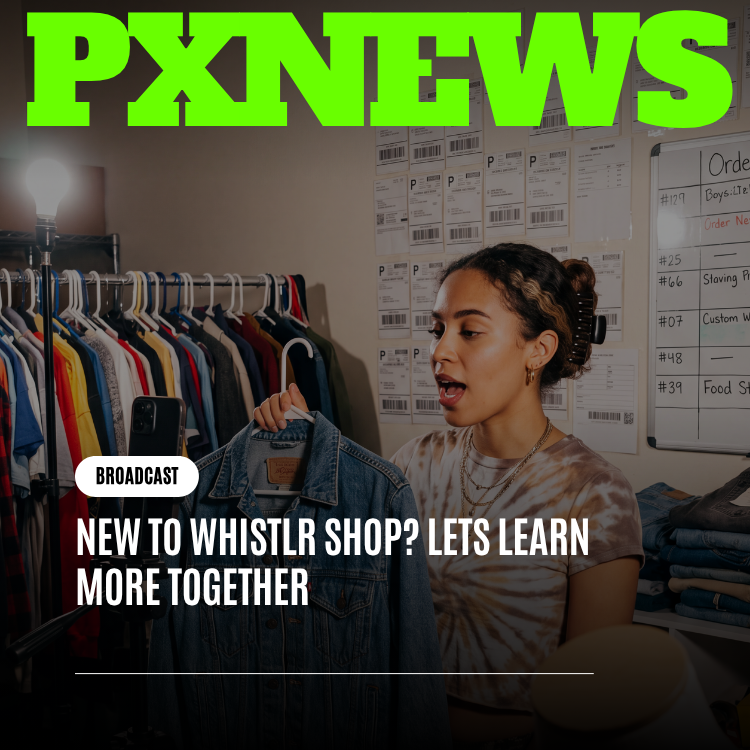
This is the feature that makes Shop feel genuinely built for a live-streaming platform rather than adapted from one. When a creator is live and talking about a specific product — holding it up, describing it, answering a question about sizing or ingredients or how it's used — that product can surface directly inside the stream itself. You don't leave the video, you don't open a new tab, and you don't lose your spot in chat. The product tile sits right there while the stream keeps running.
That matters more than it might sound like at first. The entire reason product demos work — on QVC decades ago, on livestream shopping formats since — is that seeing something used in real time, by someone whose taste you already trust, closes the gap between curiosity and purchase in a way a static product photo never does. Every extra step between "I want that" and "I bought that" is a chance for the impulse to fade. Live Shopping collapses that gap to basically zero.
Why this is also a Creator Studio feature, not just a shopping one
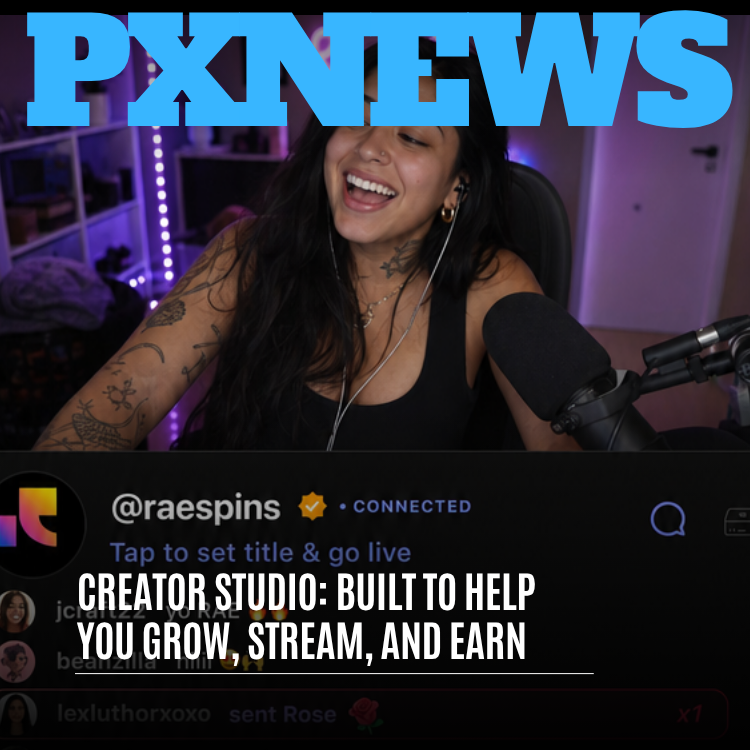
From a streamer's side, Live Shopping isn't just a convenience for viewers — it's a monetization tool that sits right next to Gems in Creator Studio. A creator running a storefront can plan a stream around specific products the same way a QVC host plans a segment, then track what actually sold during that broadcast versus what didn't. That's valuable information that a static storefront alone can't give you: which products perform when they're actually demonstrated live, in front of a real, reacting audience, versus which ones just sit on a profile page.
For viewers, that means the products showing up mid-stream aren't random — they're the ones the creator chose to highlight because they actually wanted to talk about them. That's a very different feeling from an ad interrupting a video. It's closer to a friend saying "okay, you have to see this thing" while you're already hanging out.
Getting started as a buyer
- Follow a few creators whose content you already like — their storefronts, if they have one, become visible from their profile automatically.
- Check the Shop tab periodically to see what's active across everyone you follow, rather than hunting storefront by storefront.
- Watch for product tiles during live streams from creators you follow — that's Live Shopping, and it's the fastest way to buy without breaking your viewing.
- Keep an eye on your feed itself. Product tiles can appear there too, especially from creators you interact with often.
Getting started as a seller
- Set up your storefront from Creator Studio so it's attached to your profile and ready before you plan a Live Shopping segment.
- Pick a small number of products to feature per stream rather than cycling through your whole catalog — focus is what makes a live demo convert.
- Treat the product moment like content, not an ad break. Explain why you actually like it, the same way you'd talk about anything else on stream.
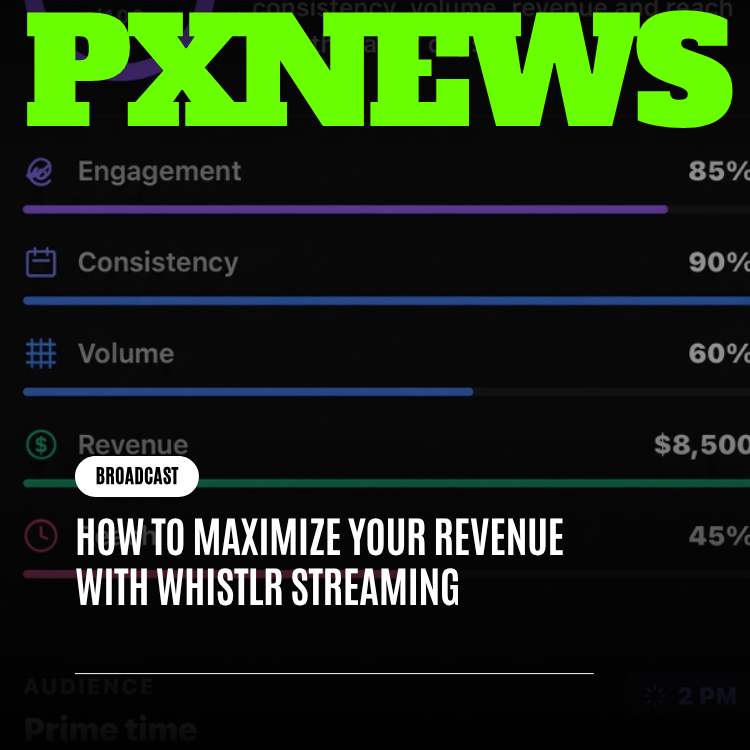
- Check your post-stream summary afterward to see which featured products actually moved during that specific broadcast.
I used to post a product link and hope. Now I hold it up mid-stream, talk about it for thirty seconds, and watch the tile do the rest. It's a completely different conversion rate.
— Creator running a storefront on Whistlr
What Live Shopping looks like from the viewer side, step by step
Say you're watching a creator you follow do a stream, and partway through they pick up a product and start talking about it — how it fits, how it tastes, why they picked it, whatever's relevant to what they're selling. A product tile appears near the stream, tied to that specific item. You don't need to pause anything or dig through a menu. Tap the tile, and product details open in a lightweight view that sits alongside the video, which keeps playing the entire time. Checkout follows the same shipping and payment details you've already got saved from any other Whistlr Shop purchase, so there's no separate account to create and no new form to fill out mid-stream.
If you decide not to buy in that moment, the product doesn't just vanish. It's typically still browsable afterward through the creator's storefront, so a purchase decision you want to sleep on isn't lost the second the stream ends. That matters, because plenty of viewers want to see a product used live before they commit, and then actually buy later once they've thought it over.
Returns, questions, and everyday shopping basics
Because a creator's storefront is attached to their profile rather than run through a separate anonymous marketplace, questions about an order tend to have a much shorter distance to travel. Sizing questions, shipping timelines, and order issues can often be resolved through the same channels you'd already use to talk to that creator, rather than a support ticket queue with no name attached to it. That doesn't replace formal order support — it just means the relationship you already have with a creator carries over into the shopping experience instead of resetting at checkout.
Why buying from people you follow feels different
The underlying idea behind Whistlr Shop is simple: trust travels through relationships, not rankings. A generic marketplace has to substitute reviews and star ratings for the trust you'd otherwise get from knowing someone. Buying from a creator you already follow skips that substitution — you've already watched them, already have a sense of their taste, already know whether their recommendations tend to be right for you. Shop is built to make that existing trust easy to act on, whether you're scrolling a feed, browsing a storefront, or watching a product get used live in a stream you were already enjoying.
A note on trying it for the first time
If you're brand new to Shop, the easiest way in isn't the Shop tab — it's just continuing to do what you already do, which is watching creators you follow. Storefronts and Live Shopping tiles will start showing up naturally as those creators use them, without requiring you to go learn a new part of the app on purpose. The Shop tab is there for when you're in an intentional browsing mood, but most people's first purchase happens because a creator they were already watching showed them something worth buying, not because they went looking for a marketplace.
Frequently asked questions
What is Whistlr Shop?
Whistlr Shop is the shopping feature built into the Whistlr app, woven into the same feeds, profiles, and live streams people already use. Instead of buying from unfamiliar sellers ranked by an algorithm, you buy from creators and storefronts you already follow. Shop appears in three places: a dedicated Shop tab, each creator's Shop section on their profile, and product tiles in your regular feed.
How does Live Shopping work on Whistlr?
When a creator talks about a product during a live stream, a product tile for that item appears alongside the video. Tapping it opens product details and checkout in a lightweight view while the stream keeps playing, so you do not leave the video or lose your place in chat. Checkout uses the shipping and payment details already saved from earlier Whistlr Shop purchases.
Can I buy a product after a Whistlr live stream ends?
Usually, yes. A product featured during a Whistlr stream is typically still browsable afterward through the creator's storefront, so you do not have to decide in the moment. Many viewers prefer to see a product used live, think it over, and then buy it later from the creator's profile.
How do I sell products with Live Shopping on Whistlr?
Set up your storefront from Creator Studio so it is attached to your profile before you plan a Live Shopping segment. Feature a small number of products per stream rather than your whole catalog, and talk about each one as content rather than an ad break. Afterward, check your post-stream summary to see which featured products sold during that broadcast.