Product · September 25, 2026 · 13 min read
Whistlr Minis, Redesigned: How the New Viewer, Search and Fresh Drops Row Actually Work
Whistlr Minis now has a cleaner full-screen viewer, search one tap away and a fresh drops row from people you follow. How it works and how to get Minis seen.
Whistlr Minis has a new look: a cleaner full-screen viewer that gives the video more of the screen, a search icon one tap away at the top, and a row of fresh drops from the people you follow. Posting connects straight into the in-app AI video editor, so what you preview is what lands. The format itself hasn't changed. You still tap, watch and swipe, your published Minis stay exactly as they were, and your saved projects are still there. This piece walks through each part of the redesign, why we built it the way we did, and what it changes for you whether you mostly watch Minis or mostly make them.
The update is rolling out across Whistlr on iOS, Android and web. If your app doesn't show the new header yet, update it and check again. Nobody needs to opt in.
What changed in Whistlr Minis, and what stayed the same
Minis are Whistlr's vertical, full-screen short videos. They've been around for a while, and they're often the first place someone meets a creator. What changed is how people use them. A creator who started with a single twenty-second clip now builds a Mini out of a dozen shots. Home cooks post recipes step by step. Musicians clip the one lyric that lands. Small businesses film products on their own counters. Viewers swipe through more Minis in a row than they used to. The format had grown up, and the space around it hadn't kept pace.
So we set three goals for the redesign and held every change against them. The video should lead. Fresh drops from people you chose should be easy to reach. And posting a Mini should feel like a proper release, with the finished video looking the way its creator meant it to.
| Part of Minis | What you get now | What stayed the same |
|---|---|---|
| The viewer | Lighter interface, more of the frame given to the video | Tap, watch, swipe to the next one |
| The header | Minis label, search on one side, fresh drops on the other | You can still just lean back and watch |
| Credits | Collaborators shown as a "with" credit right in the player | Your profile still holds all your Minis |
| Posting | A smoother path from the AI video editor to a published Mini | Saved projects and published Minis are untouched |
| Playback | Preloading that starts the next video the moment you swipe | Instant, full-screen playback |
We didn't want to reinvent something people already love. The goal was to make the space feel as good as the videos going into it, so every change had to make Minis clearer or faster, never busier.
— The Whistlr product team
Why we rebuilt the Whistlr Minis viewer around the video
Open Minis after the update and the first thing you'll notice is how much of the screen belongs to the clip. Faces, food, products and the room a creator is filming in all get the full frame. The controls are still there when you reach for them. They just sit lighter, so they don't compete with what you came to watch.
That sounds cosmetic until you think about how quickly people decide whether to keep watching. Viewers pick up a creator's expression, tone, pacing and setting within the first few seconds of a Mini, long before any caption gets read. Every button and label layered over those seconds is noise sitting on top of the signal. Pulling the interface back lets those first moments do their job.
What's different on screen
- More room for the video, so vertical content actually feels full-screen instead of boxed in by overlays.
- A simple header with the Minis label, search in one corner and the fresh drops row in the other.
- A "with" credit in the player whenever a Mini was made with collaborators, so everyone involved is visible.
- The same swipe rhythm. We didn't touch the gesture people already know.
Why it still plays instantly
A nicer viewer means nothing if the video stutters. Minis are built for instant, full-screen playback, with preloading that starts the next video the moment you swipe. That sits on the expanded server capacity ETAPX brought online behind Whistlr, which was aimed directly at keeping Minis fast through the busiest hours of the day. We designed the refreshed viewer so it doesn't slow any of that down. A Mini posted two minutes ago should start as smoothly as one that's been up for a week.
How to find new Minis from people you follow
The most visible new piece of the header is the row of profile bubbles in the top corner. It shows you, at a glance, who you follow has dropped something new. Tap it and you go straight to their recent Minis instead of waiting for them to surface somewhere in the main flow.
Picture it at 11pm. You open Minis to wind down, and somewhere in the people you follow there's a friend who posted a clip from their trip, a creator who dropped part two of a recipe, and a musician who finally shared the chorus they teased last week. Before the redesign, those could sit underneath clips from strangers with louder hooks. Now they have a dedicated spot at the top of the screen, one tap away.
That's a product decision with a point of view behind it. Whistlr has always been friend-first, and we don't think a discovery feed, however good it gets, should be the only way to keep up with the people you deliberately chose to follow.
- For viewers: a fast way to catch up on the people you care about without scrolling past everything else first.
- For creators: the people who opted in to your work get a direct line to your newest Minis, right at the top of the screen.
- For friend groups: the clip that only makes sense to your group chat doesn't get lost in a stream of public content.
How search works inside Whistlr Minis
One of the most requested changes to Minis was simple: let me look for something. Minis used to be almost entirely lean-back. You opened it and watched whatever came next. That's still the default, and for plenty of people it's the whole appeal. But a lot of viewers arrive with something in mind, like a recipe they half-remember, a creator whose name they can't quite spell, or a topic they want more of tonight.
The search icon now sits in the top corner of the Minis screen, one tap from whatever you're watching. You don't have to back out to another part of the app and lose your place. Search reaches across Whistlr's content and creators, and once you've found what you were after, you can drop right back into swiping.
How Whistlr Minis get discovered after the redesign
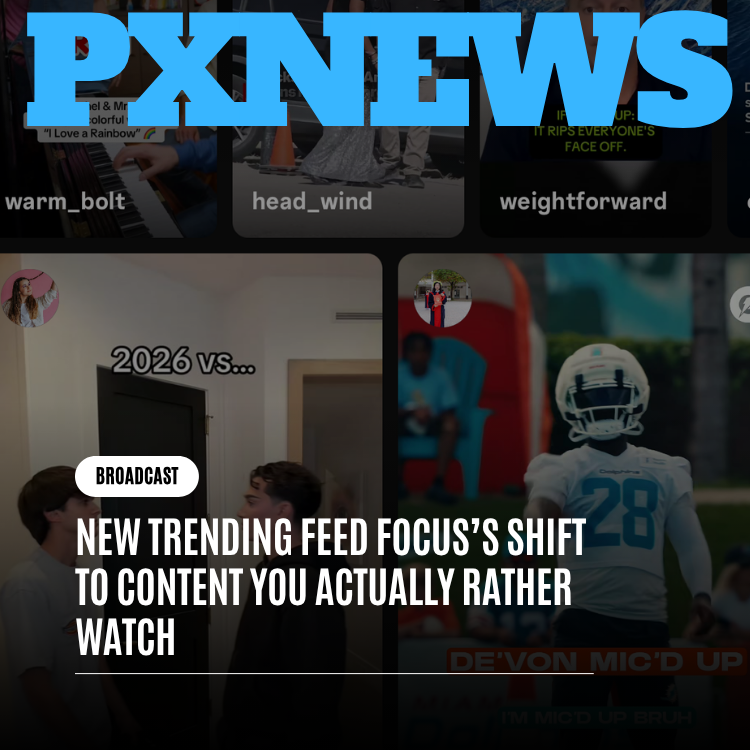
A cleaner viewer is half of discovery. The other half is what actually surfaces, and that has been shifting too. Whistlr's Trending tab has moved away from treating a big first-second reaction as the whole story. It now pays more attention to what people stay for, finish and come back to. A Mini that gets watched to the end, re-watched or looked up again after someone scrolled past is treated as a different kind of popular than one that grabs three seconds and loses you.
That suits Minis well, and it's good news if you put real care into your drops. With the redesign, a Mini now has several routes to the people who'd enjoy it:
- Watch-through: a strong opening helps, but a Mini that pays off at the end will outperform one built only to interrupt a scroll.
- Re-watches: a joke that lands harder the second time, a technique worth seeing again, or a moment someone sends to a friend all tell Whistlr the Mini delivered.
- The fresh drops row: people who already chose you get a direct path to your new Minis, whether or not a clip breaks out more widely.
- Search: clear captions and descriptive titles keep a Mini findable long after day one.
- Communities: Minis travel through Circuits and SubCircuits, onto profiles and into Stories, so a creator can build a real following inside a focused community before the wider feed notices.
A good Mini should have more than one way to reach the people who'd love it: the feed, search, the people who already follow you, and the communities you're part of. If someone put real work into a drop, that work deserves a fair shot.
— The Whistlr product team
How to post a Mini that looks right in the new viewer
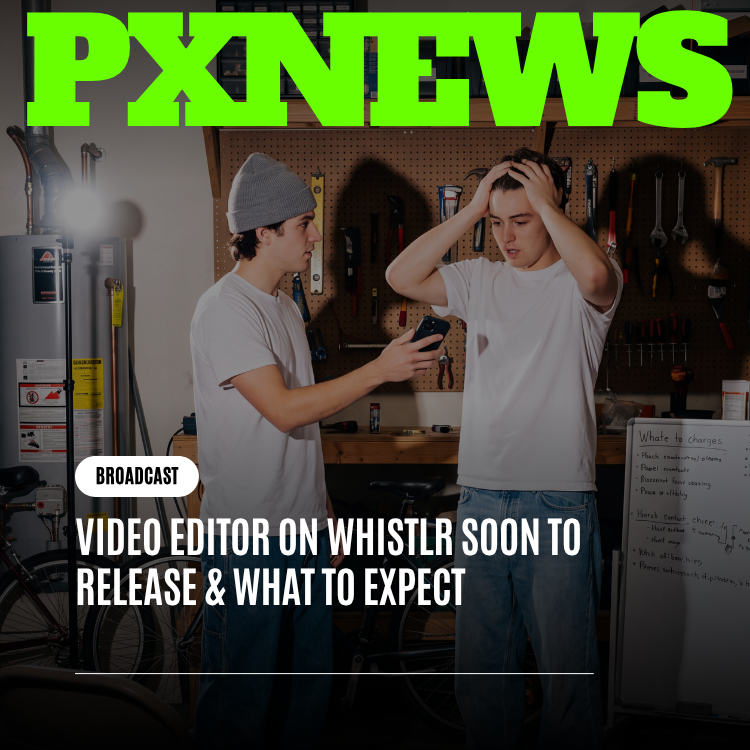
A better viewer only works if the Minis going into it look good, so the posting side got attention too. Whistlr's in-app AI video editor already turns raw footage into a finished Mini without leaving the app. Here's the full path from camera roll to published drop, kept short because the editor's own features deserve their own write-up.
- Shoot or upload. Record in Whistlr or bring in clips you already have. One continuous take works, and so does a sequence of eight, twelve or twenty short clips for a tutorial, a day-in-the-life or a story told across scenes. If you prefer a dedicated creative space, the Whistlr Studio app is built for shooting, editing, captioning and exporting Minis, posts and stories.
- Arrange the edit. The editor uses a real multi-track timeline, with clips, audio, captions, text and visual elements each on their own track. Trim, split, reorder and layer them. Minis default to 9:16 vertical, and the same project can be reframed for other formats without starting over.
- Add captions, voice and music. Auto-generated captions land on their own word-timed track, ready to restyle. AI voiceover can read a script in dozens of languages. Music, audio visualizers, transitions and text animations all come from inside the editor.
- Preview frame for frame. The preview shows exactly what will publish. On export, the project renders into a clean, high-quality video file rather than a screen recording, so the version in the full-screen viewer is the one you approved.
- Credit collaborators and publish. Add anyone you made it with before posting. Your Mini then goes to the Minis experience, to your profile, and into the fresh drops row for the people who follow you.
A framing checklist for full-screen vertical Minis
The refreshed viewer rewards Minis made with a little care, and none of this needs a studio. These are the habits we see working best in the new layout:
- Shoot 9:16 and keep important action away from the very top and bottom edges, where the header and controls sit.
- Show yourself, your space or the payoff early. Viewers form their impression in the first seconds, so skip the long intro.
- Caption everything, and restyle captions so they look like yours rather than a default.
- Keep a consistent style across Minis, the same caption treatment, color feel and setting, so followers recognize you mid-swipe.
- Let it be a bit imperfect. A real reaction usually connects better than a flawless but stiff take.
- Build toward an ending worth waiting for: the finished dish, the punchline, the before-and-after.
- Write a caption that describes the Mini in searchable words.
- Add your collaborators every time. It's fair, it's visible, and it puts the drop in front of more than one audience.
If you only change one habit, make it the ending. Under the newer discovery approach, a Mini that people finish and want to see again keeps travelling. A Mini that wins the first second and loses the rest mostly doesn't.
Collaborator credits: how Minis made together show up
More Minis are made by more than one person than ever. Duos cut videos from each other's clips, friends film together, small teams split the work, and brands partner with creators on sponsored drops. The redesign makes that teamwork visible where it counts, inside the player itself rather than buried in a description.
When a Mini has collaborators, viewers see the "with" credit at a glance and can tap through to each person's profile, where their own Minis, streams, Stories and storefront live under one account. Minis carry the same credit summary as posts and stories. For creators, that means a collab keeps paying off long after it's posted: every co-made Mini introduces each person to the other's audience, with everyone's name attached.
We want to be clear about one thing here. Real multi-person editing on a single project, where several people work on the same edit together, is a direction ETAPX has previewed for the next version of the video editor. It isn't live yet. What is live today is credit on published Minis, so the work of everyone involved gets seen.
What the Whistlr Minis redesign means for small businesses
Minis aren't only for personal creators. A café owner filming the first pour of the morning, a boutique showing how a jacket actually moves, a repair shop explaining a fix in thirty seconds: these are some of the most useful Minis on the platform. A cleaner full-screen viewer makes that content look more polished without anyone hiring a crew, and in-viewer search makes it easier for a customer to find a business's Minis when they're looking for something specific.
Minis also connect to Whistlr's commerce features. Product tiles can appear on content and tap straight into a product page. A creator's or business's Storefront sits one tap away from their Minis on the same profile. Businesses can clip the best moments from a live launch and post them as Minis that point back to the product. Whistlr runs native ads inside Minis through its campaign manager, and those placements get the same clean, full-screen treatment as everything else.
Creator Studio is still where you manage Minis alongside Waves, Storefronts and Live Shopping, including post-type analytics that show whether your Minis, lives or feed posts drive the engagement you care about. After the redesign, it's a straightforward way to check how your drops are doing in the new viewer.
What's next for Whistlr Minis
Think of this redesign as a foundation. ETAPX has already shared a first look at where the Whistlr video editor is heading: better handling for large multi-clip projects, real collaboration on a single edit, deeper personal style presets, and smarter help with pacing and cuts offered as editable suggestions rather than autopilot. None of that is live yet, and the exact features and timing are still being worked out. We'd rather say that plainly than let a preview read like a promise.
On the viewing side, the work keeps going in the same direction: keeping playback instant as Whistlr grows, refining how Minis get discovered so the best work surfaces, and protecting that spot at the top of the screen for the people you follow. PX News and in-app announcements are the most reliable places to hear what lands next.
In the meantime, the quickest way to see the redesign is to open Minis, look at the bubbles in the top corner, and tap. Somebody you follow has probably dropped something since you last checked.
Frequently asked questions
What are Minis on Whistlr?
Minis are Whistlr's vertical, full-screen short videos built for instant playback. You tap to watch and swipe to the next one. Anyone can make Minis with Whistlr's in-app AI video editor or the Whistlr Studio app, and each published Mini appears in the Minis experience, on the creator's profile, and in the fresh drops row for people who follow that creator.
What changed in the Whistlr Minis redesign?
Minis now has a cleaner full-screen viewer that gives more space to the video, a search icon at the top of the screen, a row of fresh drops from people you follow, and a "with" credit for collaborators in the player. Playback, the swipe gesture, your published Minis and your saved editor projects all work exactly as they did before.
How do I see new Minis from people I follow?
Tap the row of profile bubbles in the top corner of the Minis screen. It takes you straight to recent Minis from people you follow, so you can catch up on friends and favorite creators without waiting for their clips to appear in the main Minis flow or scrolling past videos from accounts you don't know.
Can I search while I'm watching Minis?
Yes. The search icon sits in the top corner of the Minis screen, so you can look for a creator, a topic or a specific kind of video without leaving Minis or losing your place. Search covers Whistlr's content and creators, and when you're done you can go straight back to swiping through Minis.
How do I get more people to watch my Minis?
Make Minis people watch to the end and want to see again, since Whistlr's discovery weighs watch-through and re-watches, not only quick reactions. Show your personality early, caption everything, describe each Mini in searchable words, keep a consistent style, and credit collaborators so every drop reaches more than one audience instead of just yours.
Is the new Minis experience available on every device?
Yes. The redesigned Minis experience is rolling out across Whistlr on iOS, Android and web, and nobody needs to opt in. If you don't see the new header with search and the fresh drops row yet, update the app and check again. Your existing Minis and saved editor projects carry over unchanged.